

Student Technology HelpDesk

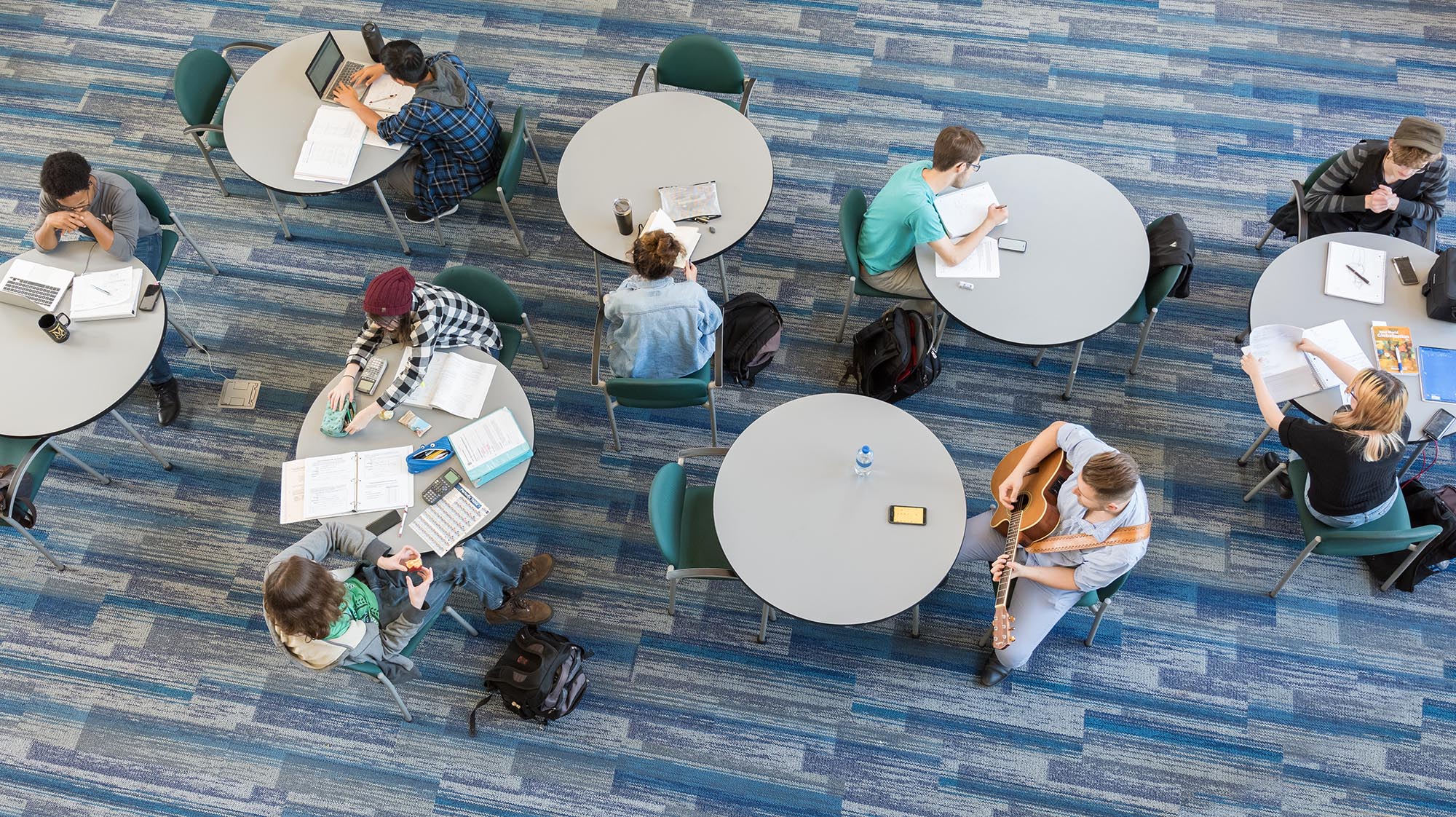
an aerial shot of students studying at circular tables

The Student Technology HelpDesk was established to provide a single point of service that will assist students with connecting to and utilizing MCC technologies. The Student Technology HelpDesk is operated by knowledgeable staff that are dedicated to providing MCC students with excellent and timely service.

Student Technology HelpDesk

Brighton Campus:
LeRoy V. Good Library, Room 223
Monday-Thursday: 9am to 4pm
Friday: 9am to 1pm

Downtown Campus:
321 State Street
Learning Commons, Rm 440
Monday-Thursday: 9am to 4pm

Phone Support Hours:
Monday-Thursday: 9am to 4pm
Friday: 9am to 1pm

Supported Services

Find help with common MCC technology services, including campus accounts, Wi-Fi, email, Brightspace, Microsoft 365, password management, and temporary access. For services supported by external providers, use the appropriate help desk or support resources listed below.

Supported Services

  • Campus PC Login
  • Campus Wireless Connections
  • Residence Hall Wired & Wireless Connections
  • MCC Student Email
  • myMCC & Brightspace Login
  • MS Office365
  • Assistance for MCC Network account password management
  • 36-hour Temporary Access accounts for Student Records

Externally Supported Services

Email and Account Access

Access your MCC email and manage your account with these convenient links.